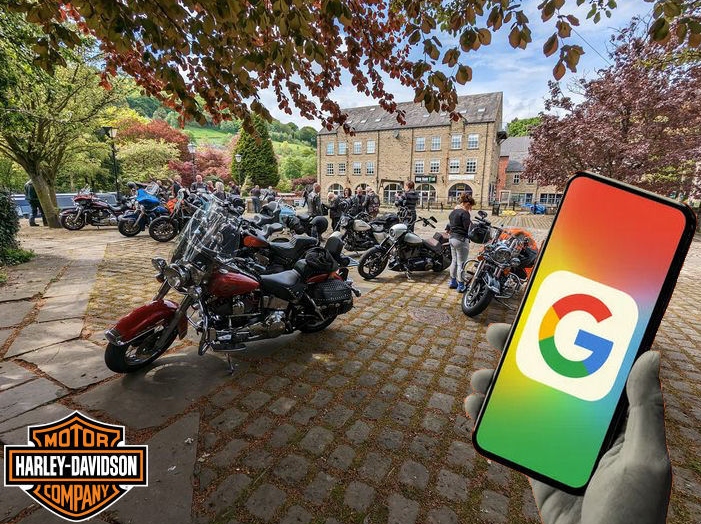
The AVUK Google Rideout Calendar is now available for Android, IOS, Mac and PC users and provides details of all forthcoming rides for the year, including meetup point, ride itinerary, ride length, ride leader and timely reminders for each event…
Detailed itineraries for rides are added to the calendar a few days before each event by the Head Road Captain.
Reminders for rideouts will appear automatically on your device five days before & on the day before each event, so you’ll never miss a ride.
Remember – you don’t need to re-apply each year for the upcoming season – once we have added you as a subscriber, you’re good for all future updates….
We’ll just need your Name plus your Gmail or the email address you set up your Google Account with…
Fill in the required information, using your non-Gmail email address instead of creating a new Gmail address.
2:- Set Up Google Calendar:
Once your Google account is set up, you can access Google Calendar by going to the Google Calendar website:- calendar.google.comor by opening the Google Calendar App (links below), and logging in with your new account.
3:- Become an AVUK Google Calendar Subscriber:
When you have set up your Google Account & CalendarSUBMIT YOUR DETAILS HEREand we’ll add you as a subscriber and send you a link for the AVUK Calendar.
Get the Google Calendar App here…
Cookie Consent
We use cookies to improve your experience on our site. By using our site, you consent to cookies.